21 skills for designing and building interfaces in Antigravity. Every one links to its real source repository and has a static code review on its page. Copy the install message and paste it to your agent, or install by hand from the skill page.
nextlevelbuilder/ui-ux-pro-max-skillTested in Antigravity
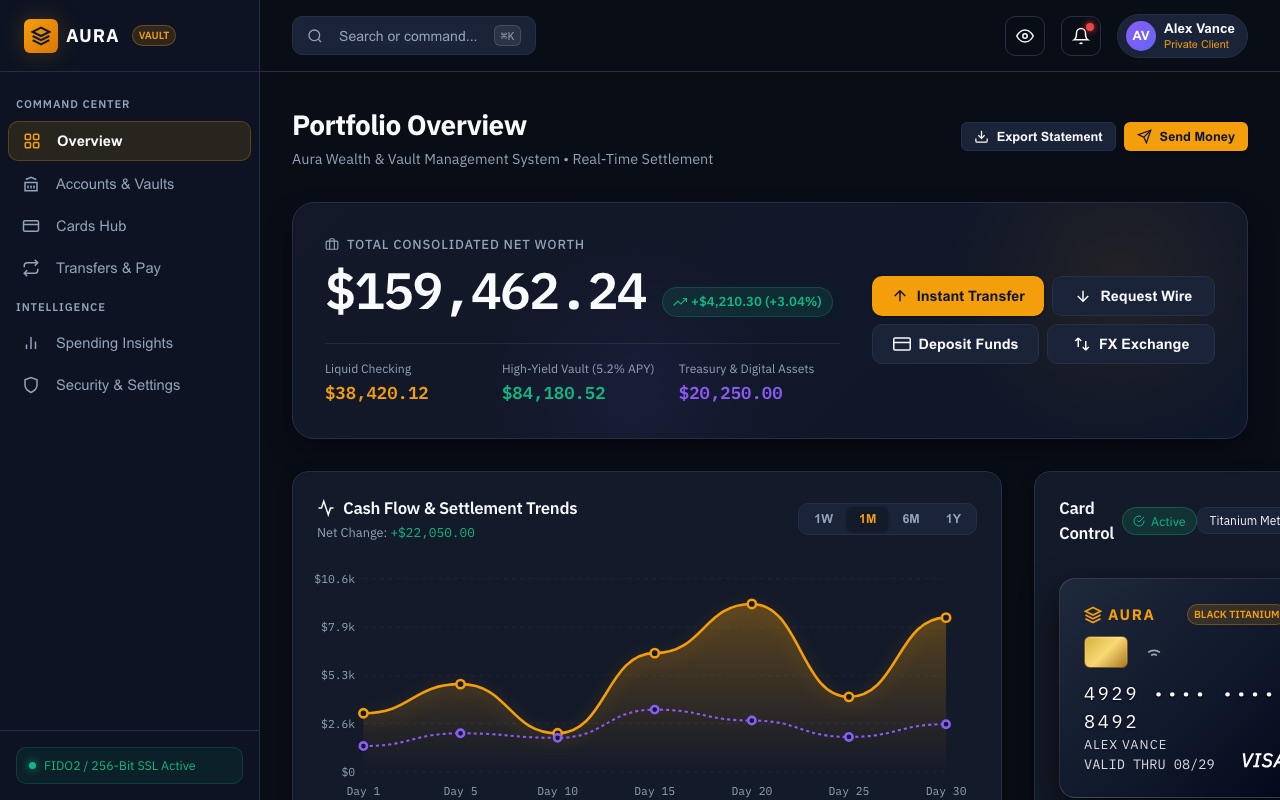
Comprehensive UI/UX design intelligence skill for AI coding assistants. Injects structured design tokens, color theory, typography scales, accessibility guidelines, and component patterns into Claude Code, Cursor, and Windsurf.
Safety: The core UI/UX Pro Max search scripts are offline, standard-library Python that only read bundled data and write files on explicit --persist, but the plugin and CLI also install companion design skills whose optional scripts call external AI image APIs with your keys or run npx.
Install the "UI/UX Pro Max" skill for Google Antigravity.
Follow the steps at https://www.antigravityskills.org/install/ui-ux-pro-max.md (source: https://github.com/nextlevelbuilder/ui-ux-pro-max-skill).
Before running anything, show me what you will download and whether it includes scripts, and wait for my OK.
Install it into this project (.agents/skills/) unless I say global. When done, check that Antigravity lists it as an installed skill.
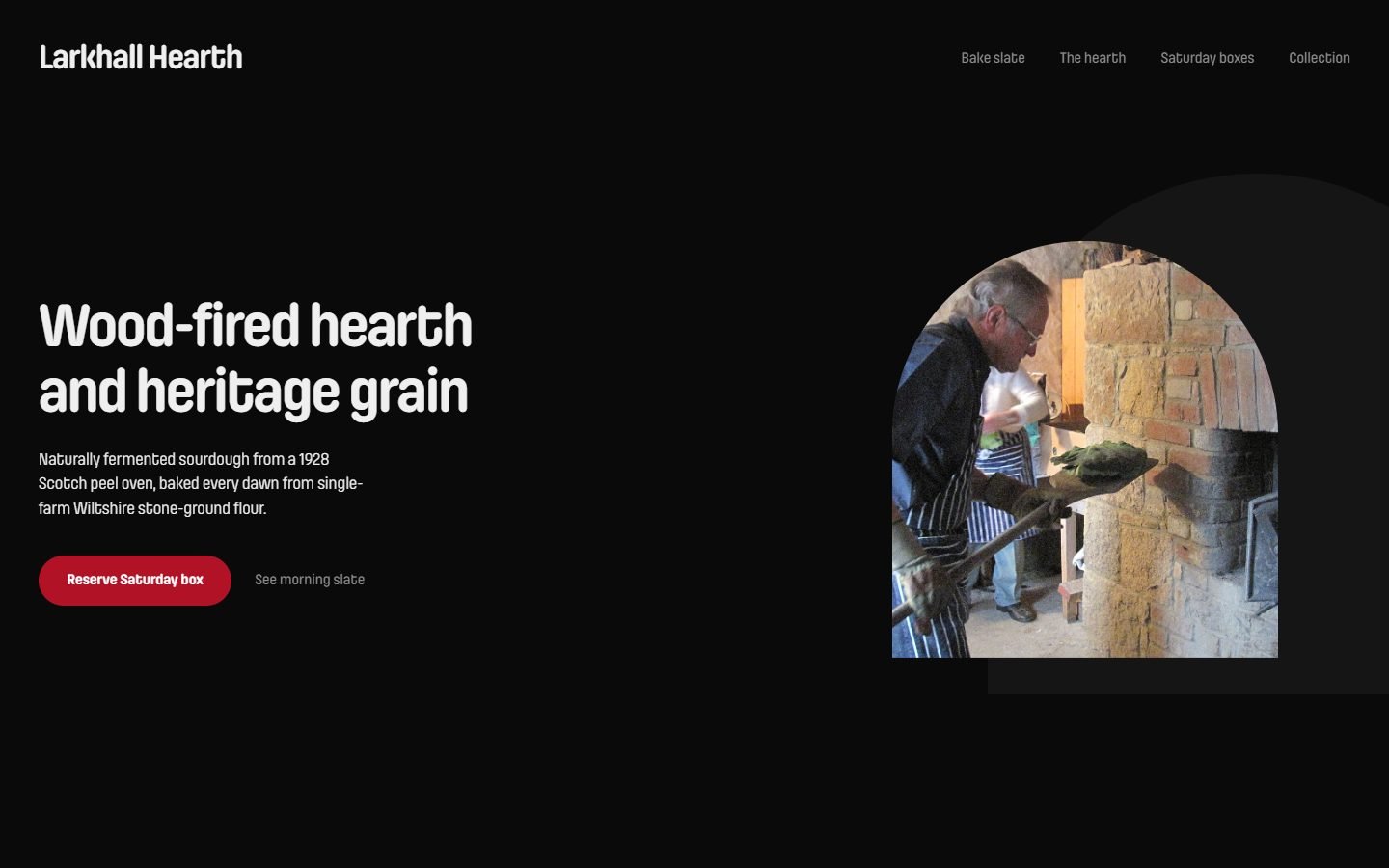
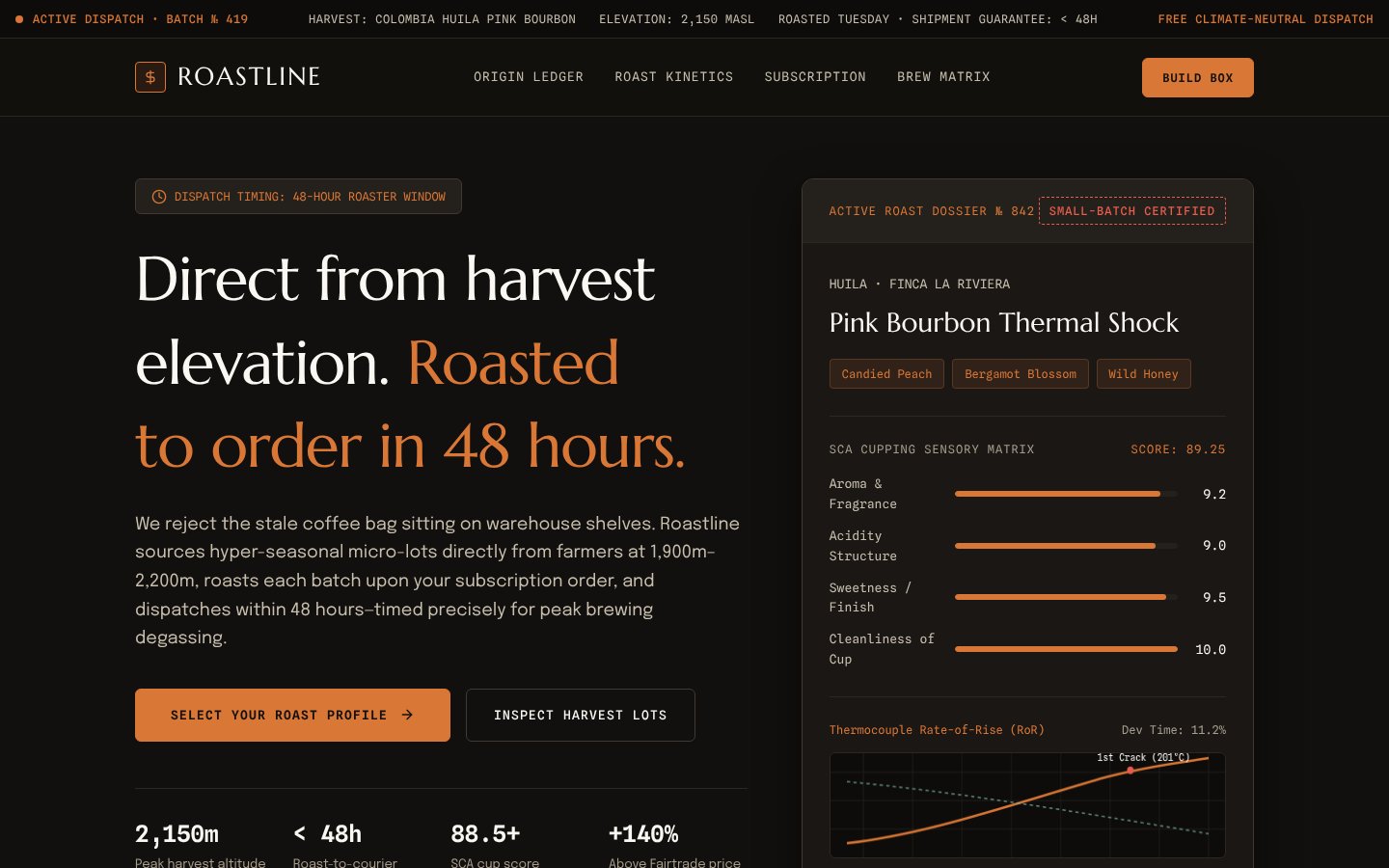
Open-source agent skill (design-taste-frontend) that gives coding agents an art direction, real pictures and a browser check so landing pages look less generic.
Safety: Instructions plus local Node scripts that launch a headless browser, fetch pictures from public collections and write to the project and ~/.taste-skill; no API keys needed.
Install the "Taste" skill for Google Antigravity.
Follow the steps at https://www.antigravityskills.org/install/taste-skill.md (source: https://github.com/Leonxlnx/taste-skill/tree/main/skills/taste-skill).
Before running anything, show me what you will download and whether it includes scripts, and wait for my OK.
Install it into this project (.agents/skills/) unless I say global. When done, check that Antigravity lists it as an installed skill.
Superdesign agent skill: lets a coding agent create UI, slide and graphic drafts on the superdesign.dev canvas through the @superdesign/cli command line tool.
Safety: Instructions only, but they drive a separate cloud CLI that logs in to superdesign.dev, uploads selected code and assets, and spends generation credits.
Install the "Superdesign" skill for Google Antigravity.
Follow the steps at https://www.antigravityskills.org/install/superdesign.md (source: https://github.com/superdesigndev/superdesign-skill/tree/main/skills/superdesign).
Before running anything, show me what you will download and whether it includes scripts, and wait for my OK.
Install it into this project (.agents/skills/) unless I say global. When done, check that Antigravity lists it as an installed skill.
Design token skill from the UI UX Pro Max repo: three-layer tokens, component specs, Tailwind integration and token-based HTML slides.
Safety: Local token and slide scripts: they write the files you name, make no network requests and need no API keys; generated slides load Chart.js and fonts from CDNs when opened.
Install the "Design System" skill for Google Antigravity.
Follow the steps at https://www.antigravityskills.org/install/design-system.md (source: https://github.com/nextlevelbuilder/ui-ux-pro-max-skill/tree/main/.claude/skills/design-system).
Before running anything, show me what you will download and whether it includes scripts, and wait for my OK.
Install it into this project (.agents/skills/) unless I say global. When done, check that Antigravity lists it as an installed skill.
Anthropic skill with 10 preset color and font themes for slides, docs, reports and landing pages, plus custom theme generation.
Safety: Instruction and data files only: no scripts, network calls or API keys; it just tells the agent which colors and fonts to apply.
Install the "Theme Factory" skill for Google Antigravity.
Follow the steps at https://www.antigravityskills.org/install/theme-factory.md (source: https://github.com/anthropics/skills/tree/main/skills/theme-factory).
Before running anything, show me what you will download and whether it includes scripts, and wait for my OK.
Install it into this project (.agents/skills/) unless I say global. When done, check that Antigravity lists it as an installed skill.
Mobile-first design rules for iOS and Android apps (React Native, Flutter, native) from vudovn's AG Kit: touch targets, platform conventions, performance, plus a read-only audit script.
Safety: Mostly Markdown guidance plus a read-only standard-library Python audit script with no network, subprocess or file writes.
Install the "Mobile UI/UX" skill for Google Antigravity.
Follow the steps at https://www.antigravityskills.org/install/mobile-design.md (source: https://github.com/vudovn/antigravity-kit/tree/main/.agents/skills/mobile-design).
Before running anything, show me what you will download and whether it includes scripts, and wait for my OK.
Install it into this project (.agents/skills/) unless I say global. When done, check that Antigravity lists it as an installed skill.
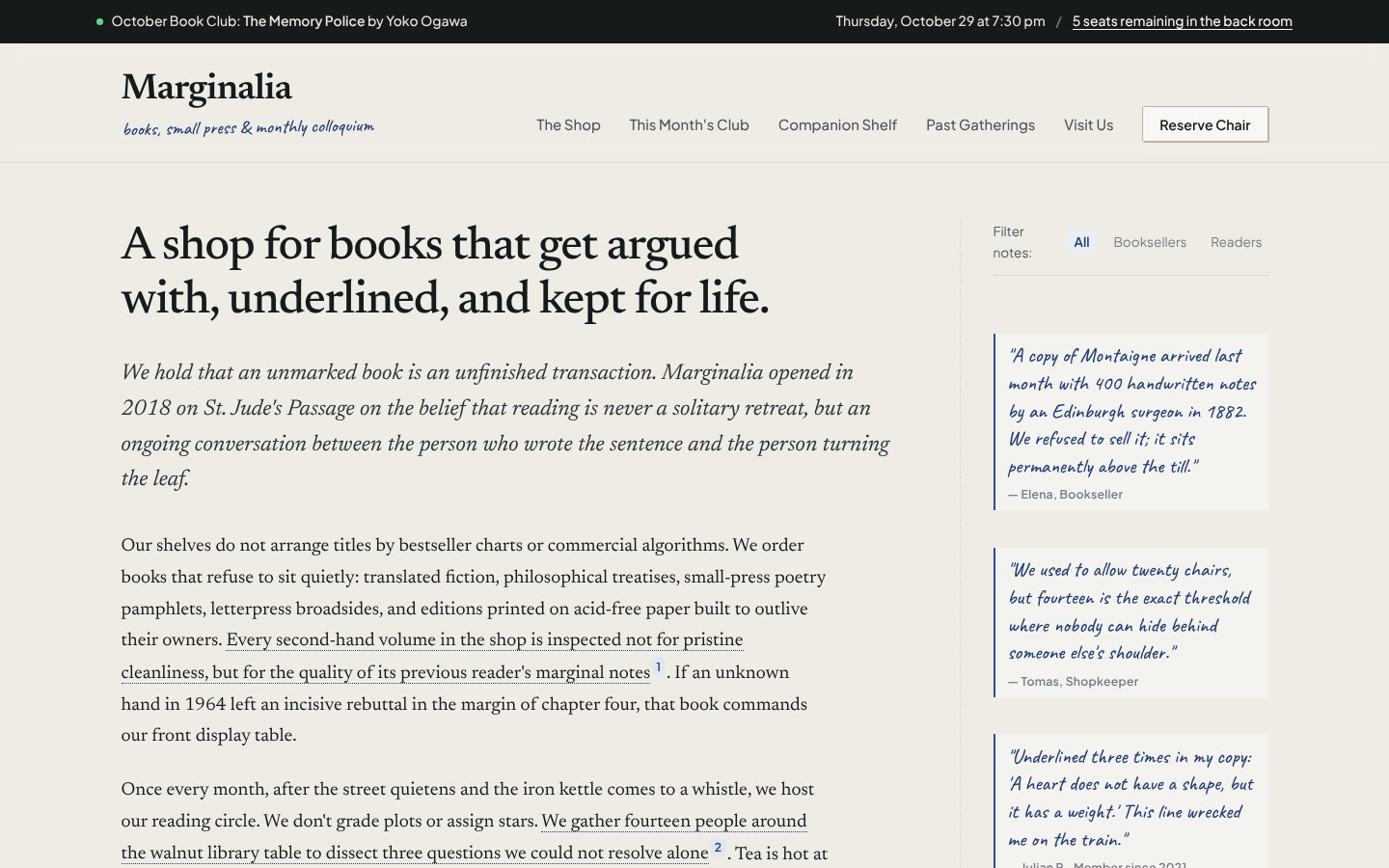
Anthropic's official frontend-design skill: guidance for distinctive, intentional UI design, typography and copy that avoids templated AI defaults.
Safety: Instruction-only Anthropic skill with no scripts, network calls or credentials; it only guides how the agent designs and writes frontend code.
Install the "Frontend Design (Anthropic)" skill for Google Antigravity.
Follow the steps at https://www.antigravityskills.org/install/frontend-design.md (source: https://github.com/anthropics/skills/tree/main/skills/frontend-design).
Before running anything, show me what you will download and whether it includes scripts, and wait for my OK.
Install it into this project (.agents/skills/) unless I say global. When done, check that Antigravity lists it as an installed skill.
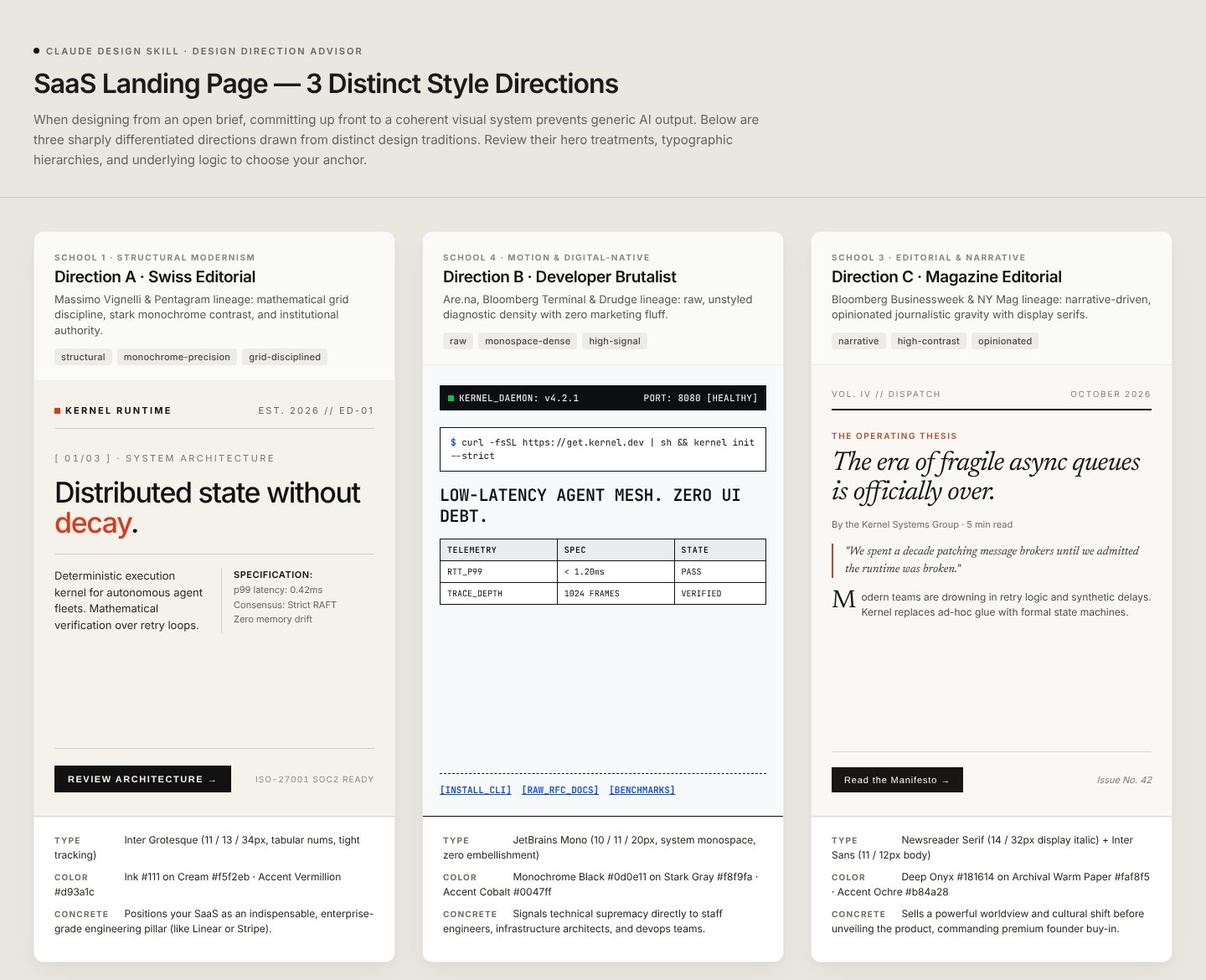
Instruction-only skill that makes your agent build HTML design artifacts (landing pages, decks, prototypes, animations) with set design rules and starter files.
Safety: No scripts and no API keys needed; the main risk is the web fetching and CDN loading the instructions ask the agent to do.
Install the "Claude Design" skill for Google Antigravity.
Follow the steps at https://www.antigravityskills.org/install/claude-design-skill.md (source: https://github.com/jiji262/claude-design-skill).
Before running anything, show me what you will download and whether it includes scripts, and wait for my OK.
Install it into this project (.agents/skills/) unless I say global. When done, check that Antigravity lists it as an installed skill.
Paul Bakaus's Impeccable design skill: one /impeccable skill with 24 design commands, live browser iteration and a 59-rule detector for AI-generated frontend patterns.
Safety: Well-documented design skill that runs a downloaded, checksum-verified engine binary, writes .impeccable/ files and contacts impeccable.style; set IMPECCABLE_NO_TELEMETRY=1 to skip the anonymous choice report.
Install the "Impeccable" skill for Google Antigravity.
Follow the steps at https://www.antigravityskills.org/install/impeccable.md (source: https://github.com/pbakaus/impeccable).
Before running anything, show me what you will download and whether it includes scripts, and wait for my OK.
Install it into this project (.agents/skills/) unless I say global. When done, check that Antigravity lists it as an installed skill.
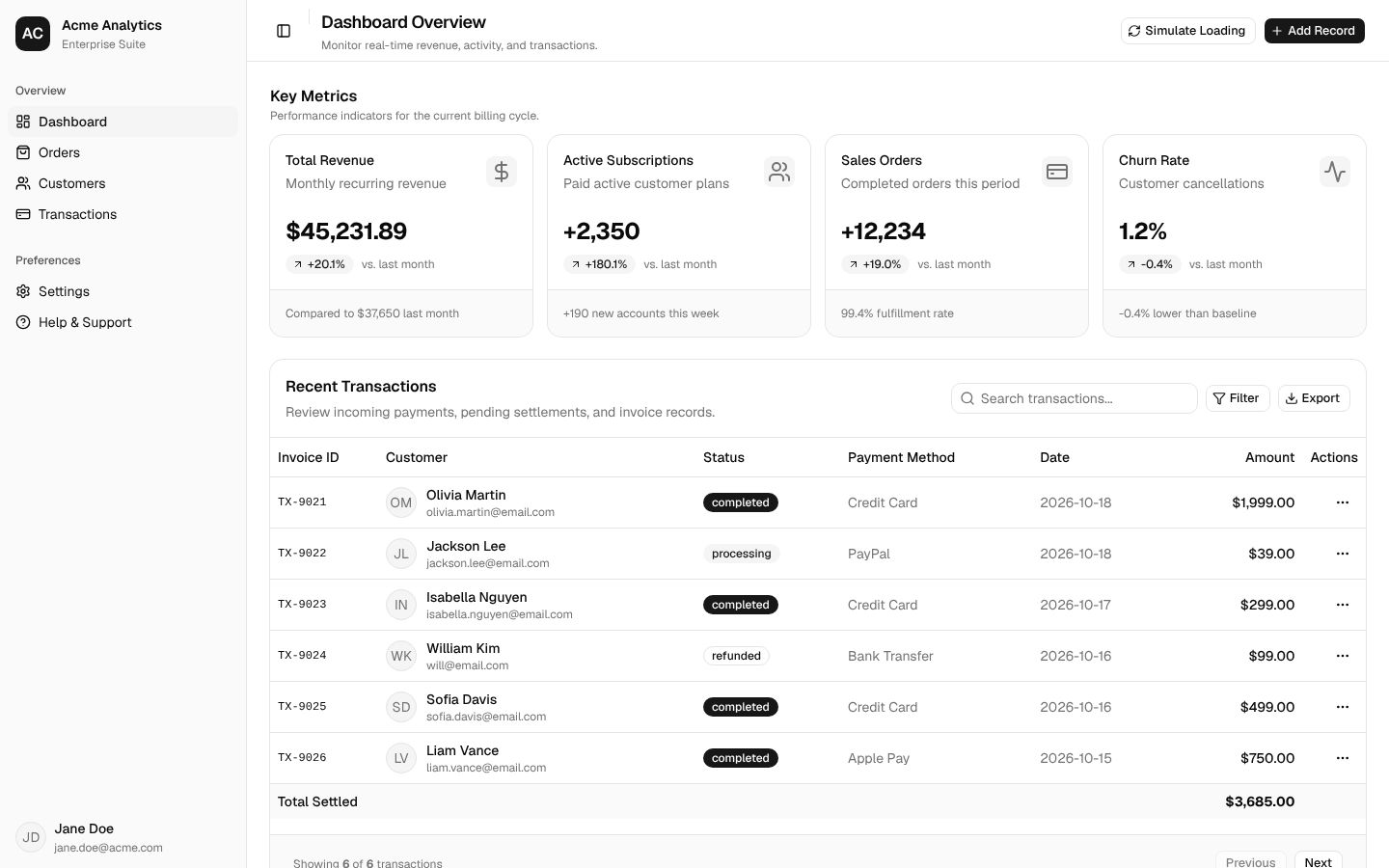
Official shadcn/ui skill: project-aware rules for adding, searching, composing and styling shadcn components via the shadcn CLI.
Safety: Official shadcn skill: one read-only script, no API keys; the agent runs shadcn CLI commands that download packages and write component files into your project.
Install the "shadcn/ui" skill for Google Antigravity.
Follow the steps at https://www.antigravityskills.org/install/shadcn-ui.md (source: https://github.com/shadcn-ui/ui/tree/main/skills/shadcn).
Before running anything, show me what you will download and whether it includes scripts, and wait for my OK.
Install it into this project (.agents/skills/) unless I say global. When done, check that Antigravity lists it as an installed skill.
Companion skill from the UI UX Pro Max repo for shadcn/ui components, Tailwind CSS styling, dark mode, theming and canvas visuals.
Safety: Two local Python helpers: one runs npx shadcn add (no shell), one writes a Tailwind config; no HTTP client or API keys.
Install the "UI Styling" skill for Google Antigravity.
Follow the steps at https://www.antigravityskills.org/install/ui-styling.md (source: https://github.com/nextlevelbuilder/ui-ux-pro-max-skill/tree/main/.claude/skills/ui-styling).
Before running anything, show me what you will download and whether it includes scripts, and wait for my OK.
Install it into this project (.agents/skills/) unless I say global. When done, check that Antigravity lists it as an installed skill.
Anthropic skill that scaffolds a React, TypeScript, Tailwind and shadcn/ui project and bundles it into one self-contained HTML file.
Safety: Runs local bash scripts that install npm packages (and pnpm globally) and write project files; no API keys or non-npm network calls.
Install the "Web Artifacts Builder" skill for Google Antigravity.
Follow the steps at https://www.antigravityskills.org/install/web-artifacts-builder.md (source: https://github.com/anthropics/skills/tree/main/skills/web-artifacts-builder).
Before running anything, show me what you will download and whether it includes scripts, and wait for my OK.
Install it into this project (.agents/skills/) unless I say global. When done, check that Antigravity lists it as an installed skill.
Figma's official MCP server: gives AI coding agents design context from Figma frames, variables and Code Connect; remote server can also write to the canvas.
Safety: Official hosted server with Figma OAuth; the guide repo has no server code but bundles skills with scripts, and the remote tools can write to your Figma files.
Install the "Figma MCP" MCP server for Google Antigravity.
Follow the steps at https://www.antigravityskills.org/install/figma-mcp.md (source: https://github.com/figma/mcp-server-guide).
Before running anything, show me what you will download and whether it includes scripts, and wait for my OK.
Ask me for any keys or paths it needs. When done, check that it is listed under Installed MCP Servers.
Figma's implement-design skill for Codex: turns Figma frames into production code with 1:1 visual fidelity through the Figma MCP server.
Safety: Instruction-only Figma workflow with no scripts; it reads designs through your Figma MCP connection and is governed by Figma's Developer Terms.
Install the "Figma Implement Design" skill for Google Antigravity.
Follow the steps at https://www.antigravityskills.org/install/figma-implement-design.md (source: https://github.com/openai/skills/tree/main/skills/.curated/figma-implement-design).
Before running anything, show me what you will download and whether it includes scripts, and wait for my OK.
Install it into this project (.agents/skills/) unless I say global. When done, check that Antigravity lists it as an installed skill.
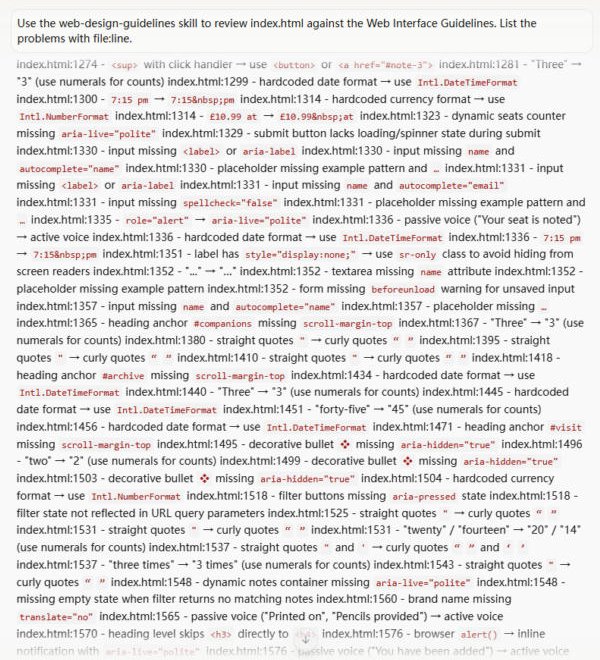
Vercel's review skill: fetches Vercel's Web Interface Guidelines at run time, checks the files you name and lists violations as file:line findings.
Safety: No scripts or credentials, but the skill fetches its rule set from a remote GitHub raw URL on every run, so the instructions it follows can change.
Install the "Web Design Guidelines" skill for Google Antigravity.
Follow the steps at https://www.antigravityskills.org/install/web-design-guidelines.md (source: https://github.com/vercel-labs/agent-skills/tree/main/skills/web-design-guidelines).
Before running anything, show me what you will download and whether it includes scripts, and wait for my OK.
Install it into this project (.agents/skills/) unless I say global. When done, check that Antigravity lists it as an installed skill.
Addy Osmani's WCAG 2.2 accessibility skill: audit workflow, code patterns, testing checklist and issues ranked by impact.
Safety: Instruction-only skill; it suggests running Lighthouse or axe via npm but bundles no scripts and needs no credentials.
Install the "Web Accessibility (a11y)" skill for Google Antigravity.
Follow the steps at https://www.antigravityskills.org/install/web-accessibility.md (source: https://github.com/addyosmani/web-quality-skills/tree/main/skills/accessibility).
Before running anything, show me what you will download and whether it includes scripts, and wait for my OK.
Install it into this project (.agents/skills/) unless I say global. When done, check that Antigravity lists it as an installed skill.
Anthropic's official skill that applies a fixed brand palette and Poppins/Lora typography to slides, docs and other artifacts.
Safety: Instruction-only Markdown skill with no scripts, network access or credentials.
Install the "Brand Guidelines" skill for Google Antigravity.
Follow the steps at https://www.antigravityskills.org/install/brand-guidelines.md (source: https://github.com/anthropics/skills/tree/main/skills/brand-guidelines).
Before running anything, show me what you will download and whether it includes scripts, and wait for my OK.
Install it into this project (.agents/skills/) unless I say global. When done, check that Antigravity lists it as an installed skill.
Skill from the UI UX Pro Max repo for designing social, ad, hero and print banners in HTML/CSS with several art directions.
Safety: Instruction-only skill with no scripts or credentials; it writes banner files into your project.
Install the "Banner Design" skill for Google Antigravity.
Follow the steps at https://www.antigravityskills.org/install/banner-design.md (source: https://github.com/nextlevelbuilder/ui-ux-pro-max-skill/tree/main/.claude/skills/banner-design).
Before running anything, show me what you will download and whether it includes scripts, and wait for my OK.
Install it into this project (.agents/skills/) unless I say global. When done, check that Antigravity lists it as an installed skill.
Skill from the UI UX Pro Max repo for strategic HTML presentations with Chart.js, design tokens, layout patterns and copy formulas.
Safety: Instruction-only skill with no scripts or credentials; generated decks load Chart.js from a public CDN.
Install the "HTML Slides" skill for Google Antigravity.
Follow the steps at https://www.antigravityskills.org/install/html-slides.md (source: https://github.com/nextlevelbuilder/ui-ux-pro-max-skill/tree/main/.claude/skills/slides).
Before running anything, show me what you will download and whether it includes scripts, and wait for my OK.
Install it into this project (.agents/skills/) unless I say global. When done, check that Antigravity lists it as an installed skill.
Anthropic's official canvas-design skill: turns a poster or art request into a written design philosophy, then a one-page PNG or PDF, with 29 bundled font families.
Safety: Instruction-only Anthropic skill with bundled fonts: no scripts, no network calls written into it (apart from a generic note to download fonts if needed) and no credentials.
Install the "Canvas Design" skill for Google Antigravity.
Follow the steps at https://www.antigravityskills.org/install/canvas-design.md (source: https://github.com/anthropics/skills/tree/main/skills/canvas-design).
Before running anything, show me what you will download and whether it includes scripts, and wait for my OK.
Install it into this project (.agents/skills/) unless I say global. When done, check that Antigravity lists it as an installed skill.
Anthropic's official algorithmic-art skill: a written algorithmic philosophy, then a self-contained p5.js viewer with seeded randomness, parameter sliders and seed navigation.
Safety: Instruction-and-template skill with no scripts; the generated HTML page loads p5.js from cdnjs and fonts from Google when opened, and makes no other network calls.
Install the "Algorithmic Art" skill for Google Antigravity.
Follow the steps at https://www.antigravityskills.org/install/algorithmic-art.md (source: https://github.com/anthropics/skills/tree/main/skills/algorithmic-art).
Before running anything, show me what you will download and whether it includes scripts, and wait for my OK.
Install it into this project (.agents/skills/) unless I say global. When done, check that Antigravity lists it as an installed skill.